

We’re excited to welcome your family to Tawonga! Follow these steps to complete your registration.
Step 1: Click on “Register Now”

Step 2: Sign in or Create a CampInTouch Account
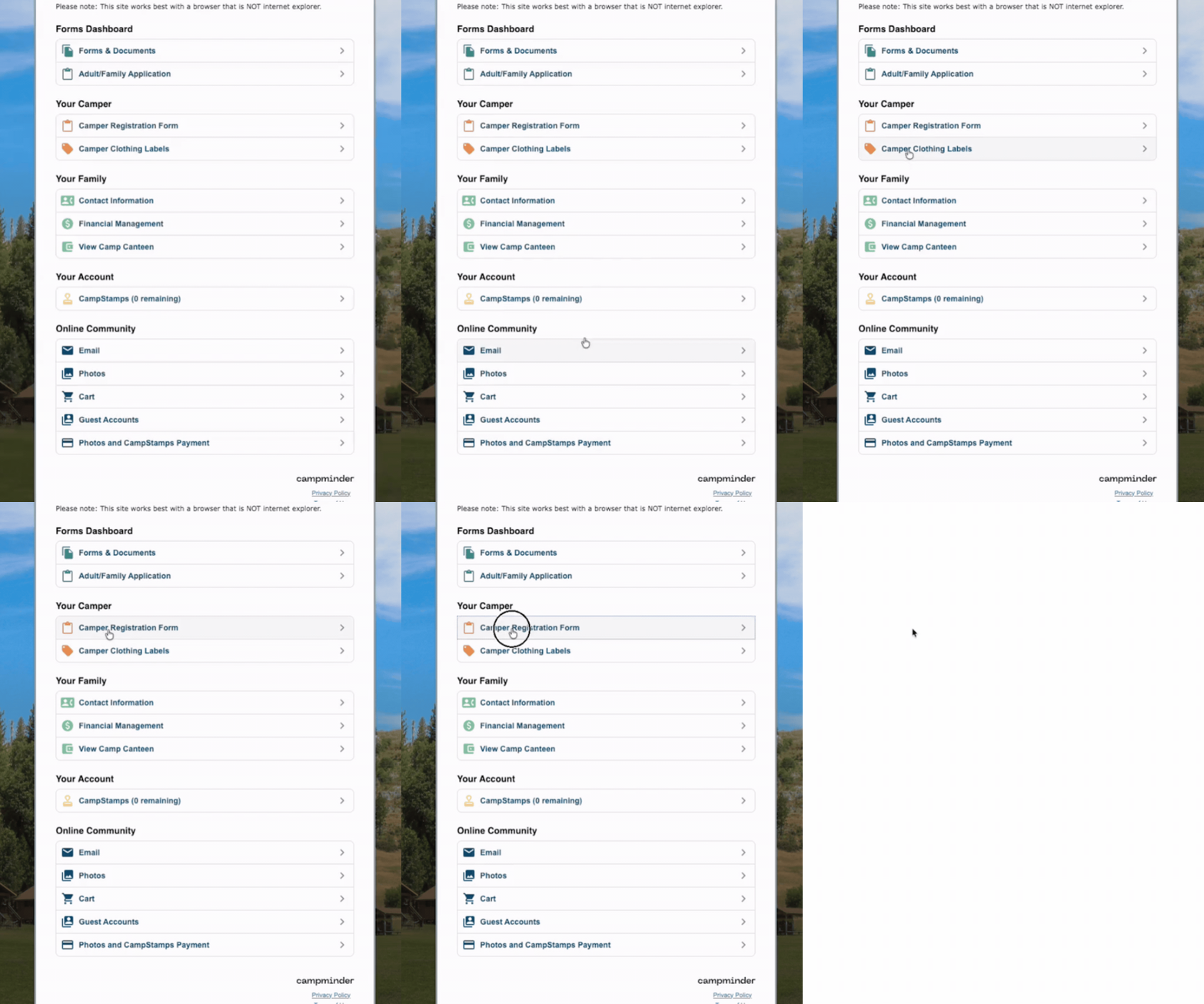
Step 3: Click “Camper Registration Form” on Your Account page
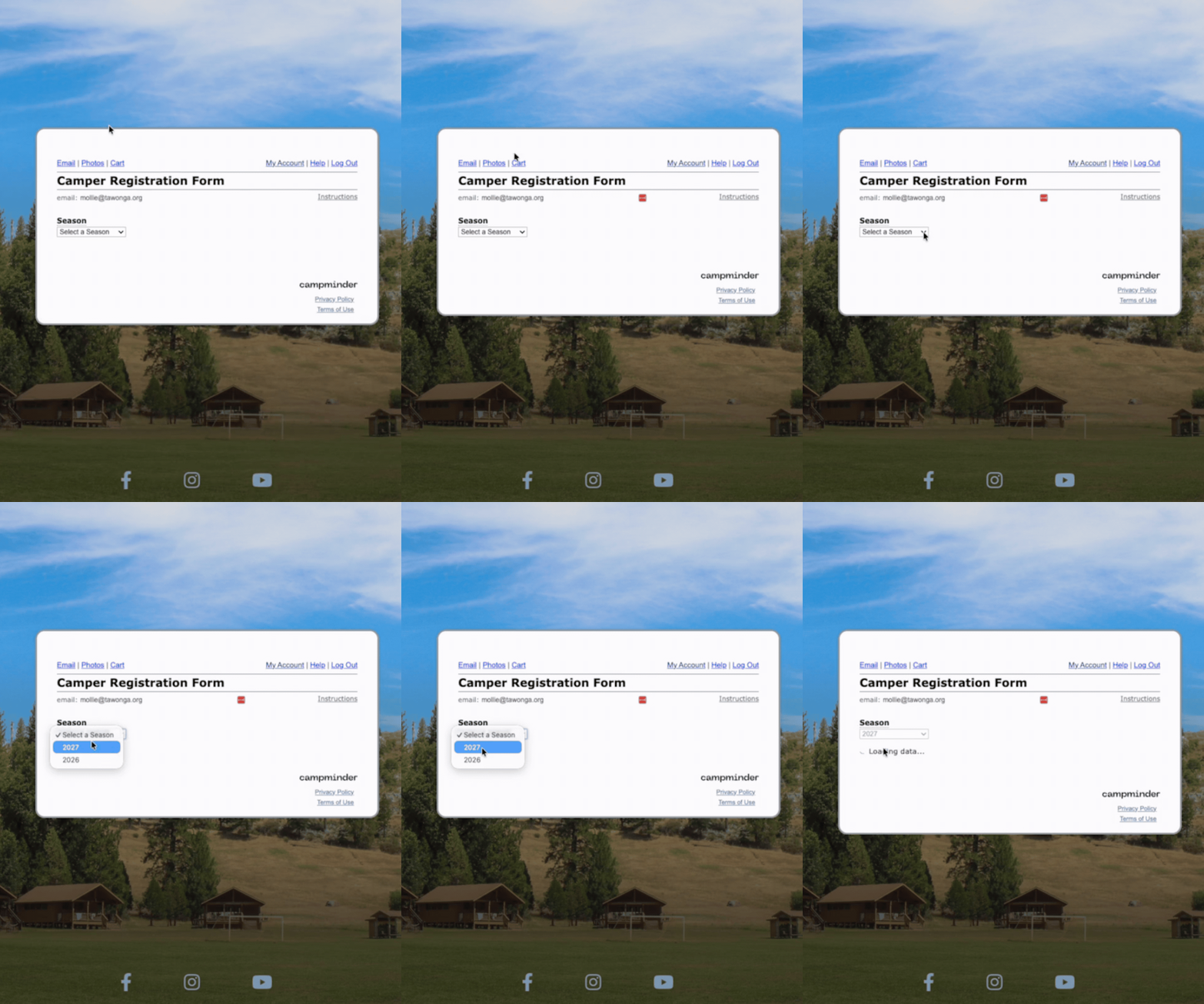
Step 4: Select the 2027 Season
Choose 2027 from the list of available seasons.
Step 5: Register Your Child
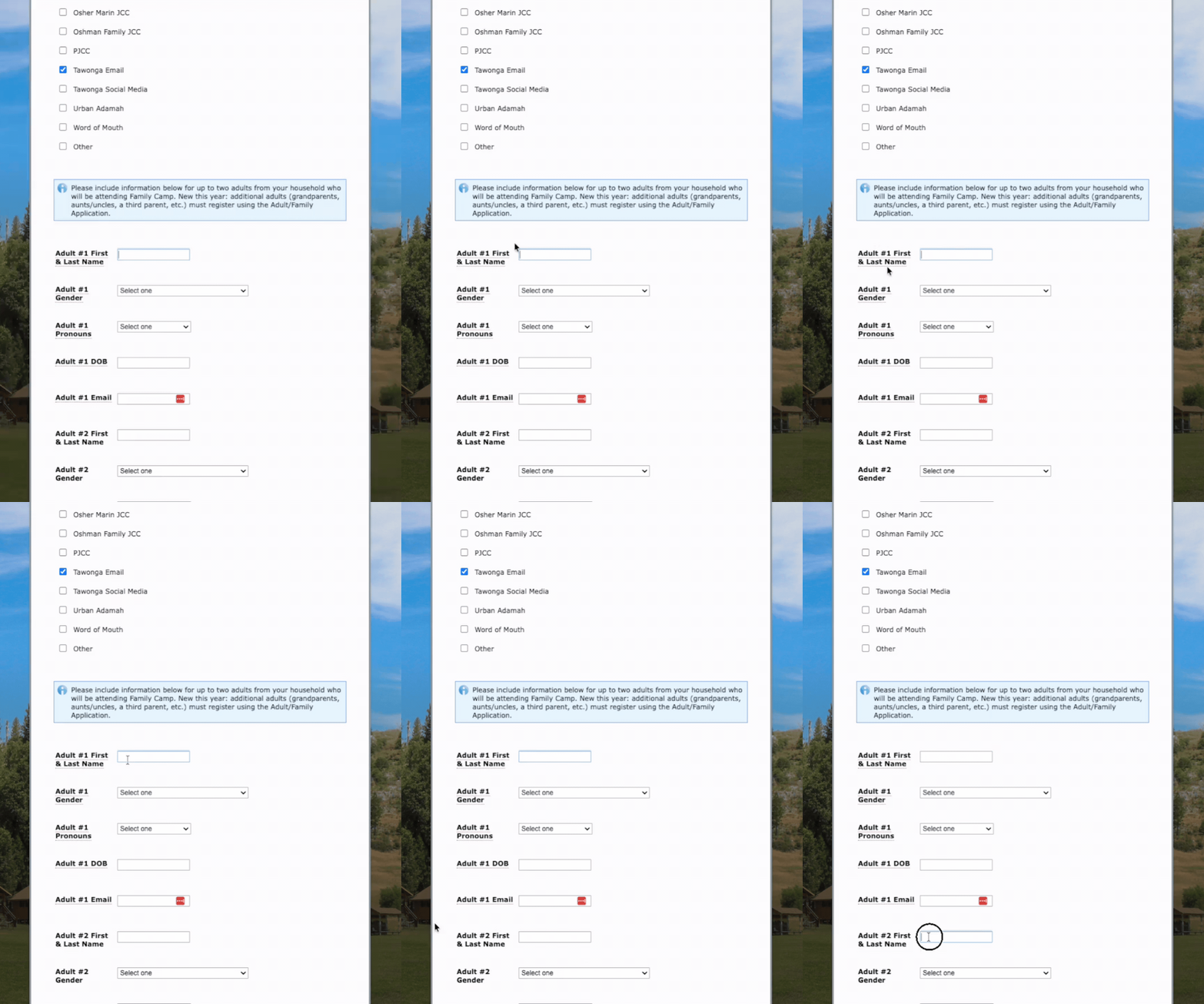
Start by registering your child. You’ll need to complete one application per child attending Family Camp.
If you have multiple children attending, complete a separate application for each child.
Later in the application, you’ll have the opportunity to add up to two adults from your household who will be attending Family Camp with your child(ren).
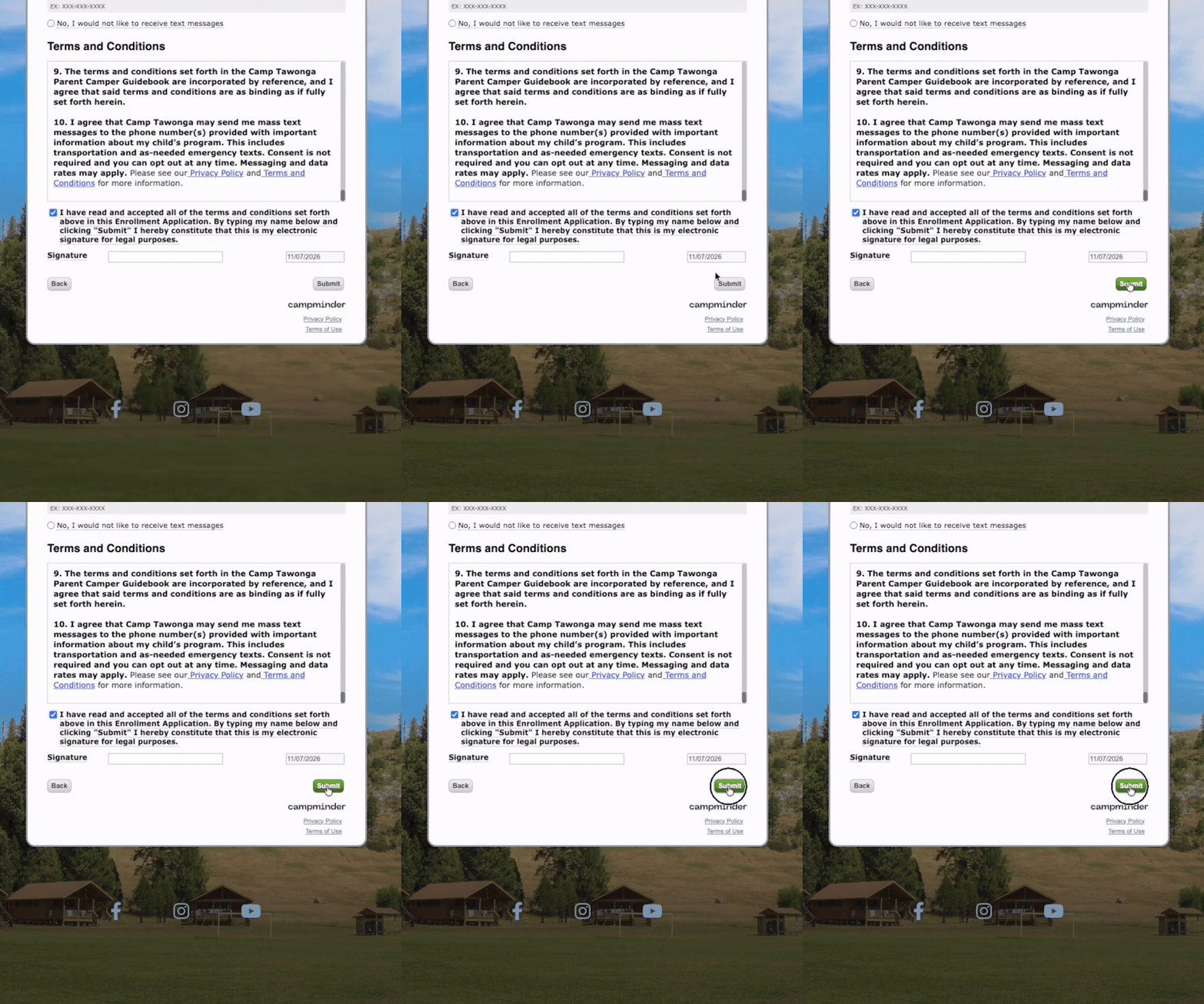
Step 6: Fill out the rest of the application and click “Submit”
Complete the remaining application questions, review your information, and click “Submit.”
Step 7: Register any additional children
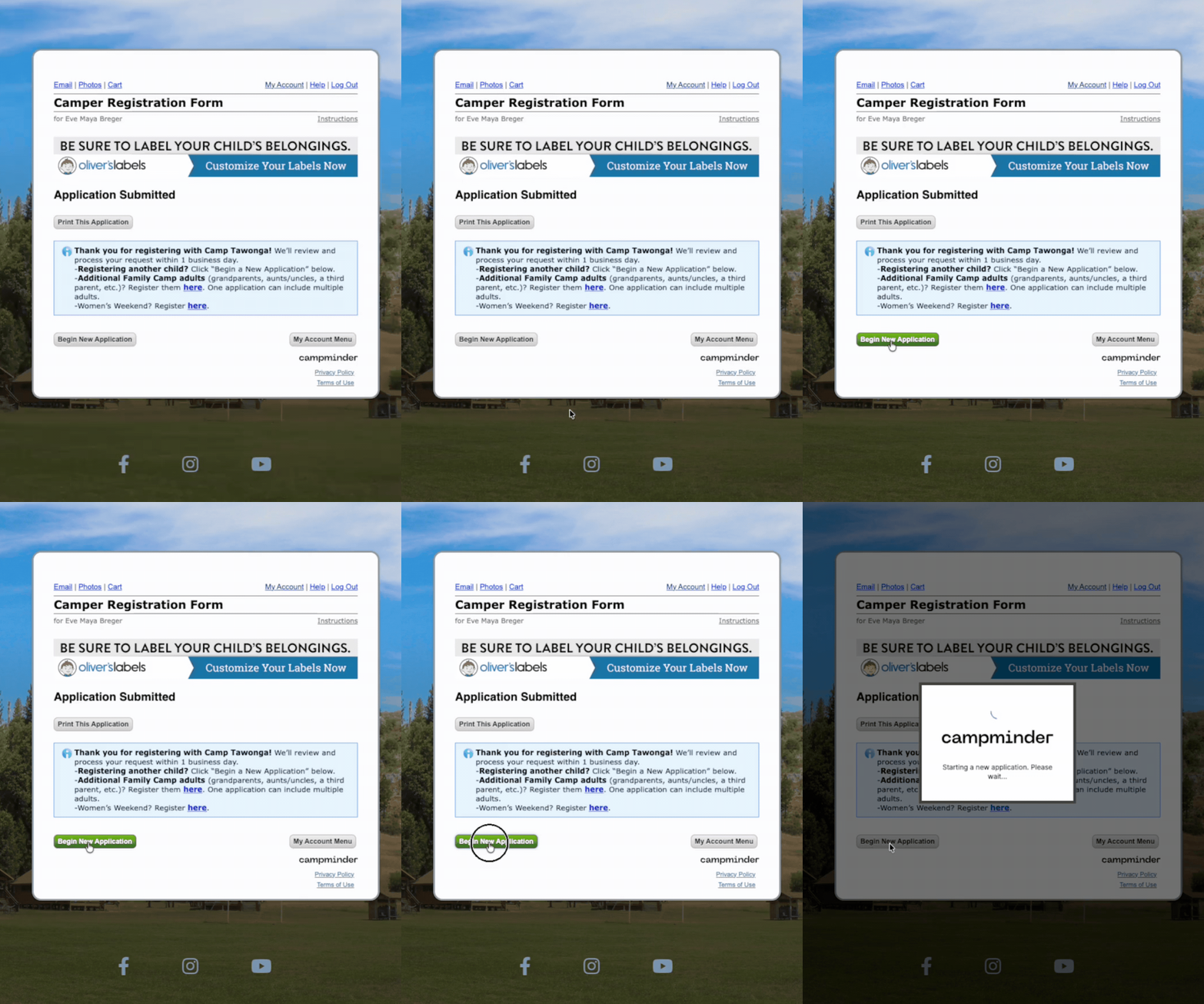
Click “Begin New Application” to register any additional children attending Family Camp.
NEW FOR 2027: Registering additional adults
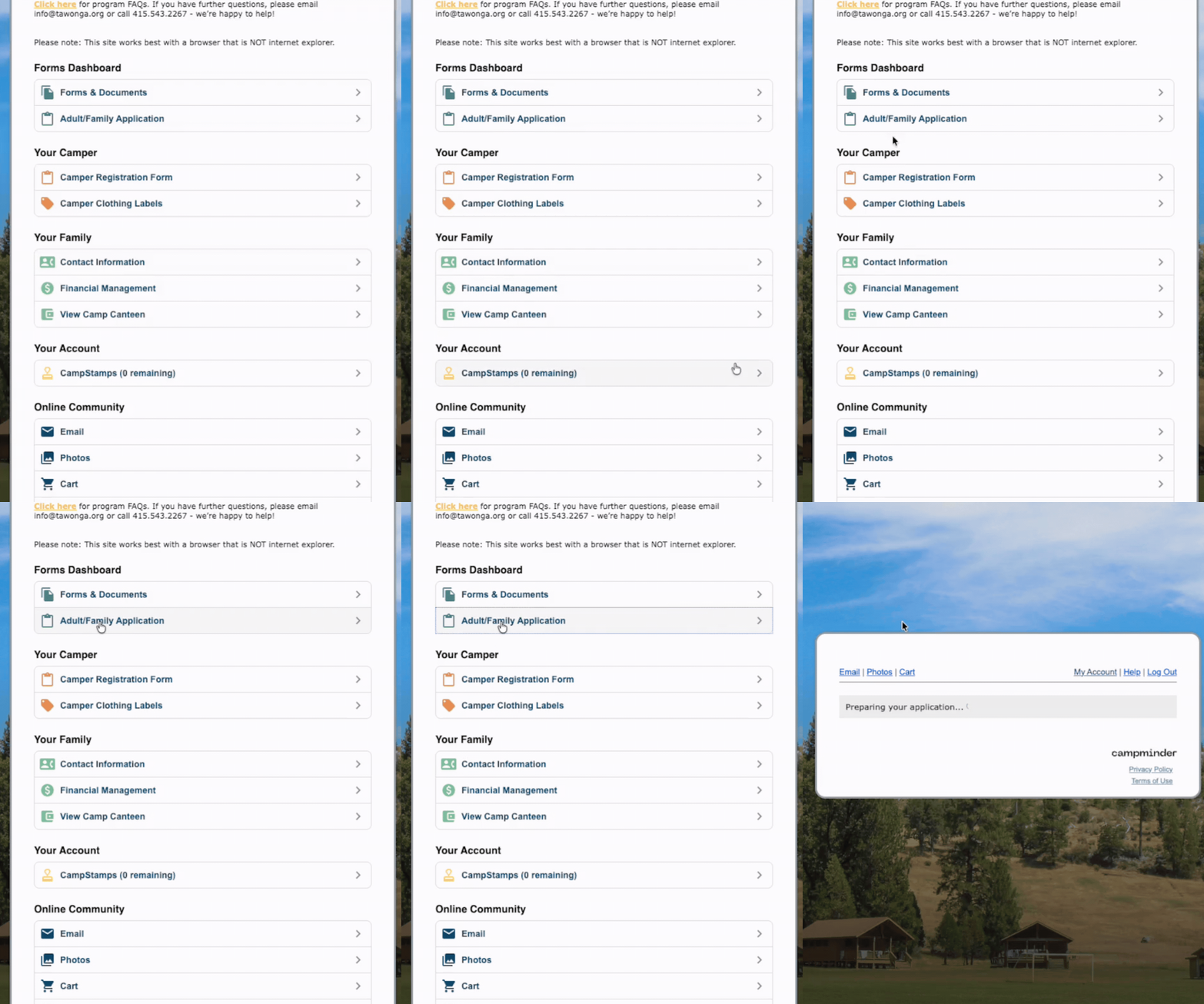
Are grandparents, aunts, uncles, a third parent, or other adults joining your family weekend?
Any additional adults beyond the two included in your household registration must complete their own application using the Adult Registration Form.
We can’t wait to see your family at Camp Tawonga!
